
Sale!




MS Paint & Note Pad
Original price was: ₹799.00.₹99.00Current price is: ₹99.00.
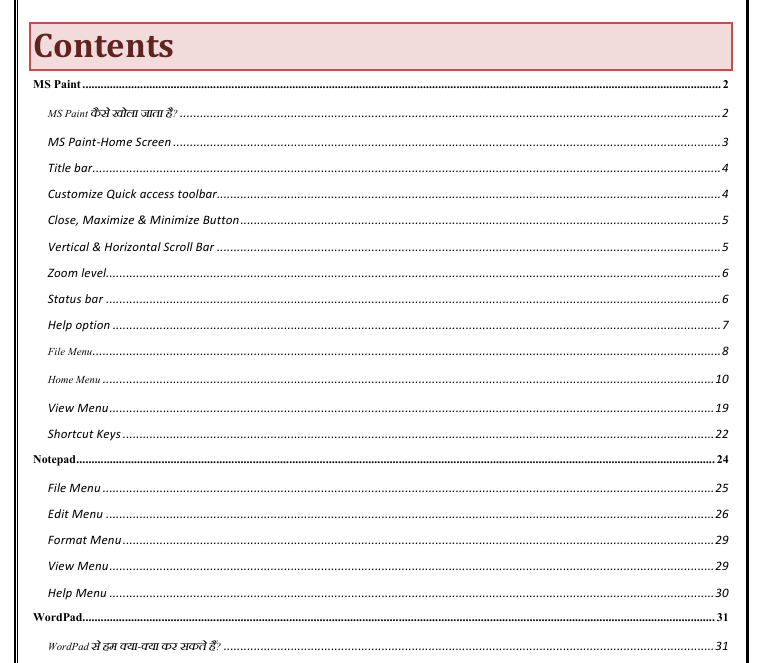
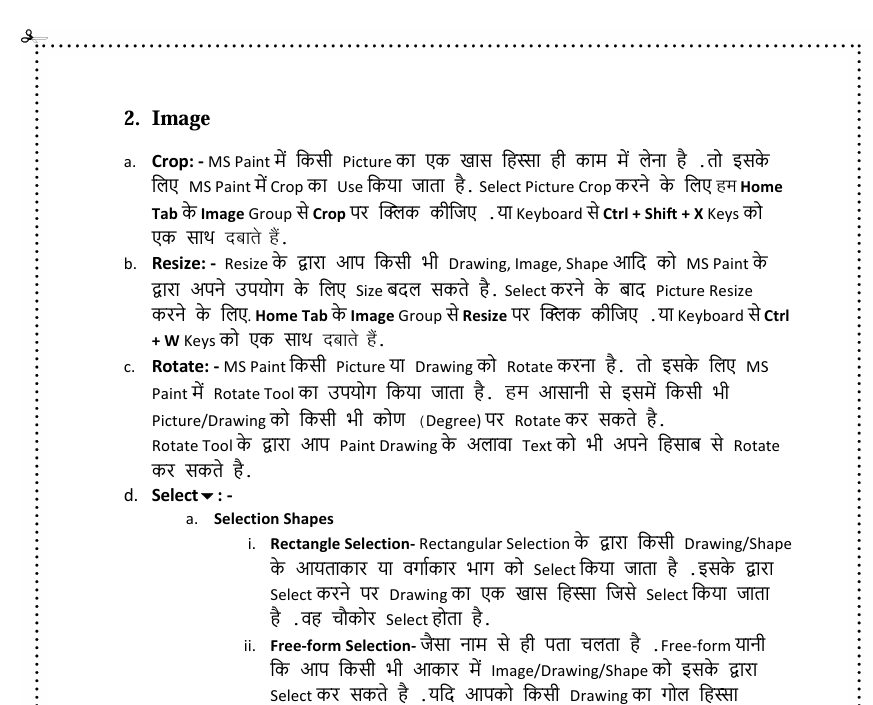
🎨 MS Paint Tutorial – Description
Microsoft Paint (MS Paint) is a simple, beginner-friendly graphic editing program that allows users to create, edit, and manipulate images using basic tools. This tutorial introduces users to the MS Paint interface and provides step-by-step guidance on how to use essential features for digital drawing and image editing.
📚 Tutorial Description
This tutorial covers:
-
Introduction to MS Paint
-
What MS Paint is and where to find it on Windows.
-
-
User Interface Overview
-
Explanation of the toolbar, color palette, and canvas.
-
-
Drawing Tools
-
How to use the Pencil, Brush, and Fill tools to draw and color.
-
-
Shapes and Text
-
Adding basic shapes (like rectangles, circles) and inserting text.
-
-
Editing Tools
-
Using the Eraser, Color Picker, and Selection tools.
-
-
Zoom and Resize
-
How to zoom in for detail work and resize the canvas or image.
-
-
Saving and Exporting
-
Saving images in different formats (JPG, PNG, BMP).
-
Printing or exporting your image as a PDF.
-
-
Basic Tips & Tricks
-
Undo/redo, shortcut keys, and pixel art basics.
-
🎯 Purpose of the Tutorial
The goal of this tutorial is to teach users how to:
-
Navigate the Paint interface
-
Create simple digital artwork
-
Perform basic editing tasks
-
Export or save work in common formats
Related products
-
E-Book For HTML
Original price was: ₹50.00.₹0.00Current price is: ₹0.00. -
CCC & “O” Level 900 MCQs
Original price was: ₹999.00.₹99.00Current price is: ₹99.00. -
Free VS Code Keyboard Shortcuts
Original price was: ₹49.00.₹39.00Current price is: ₹39.00.


Reviews
There are no reviews yet.